Tell us your idea
A favorite animal, an imaginary place, a lovely little pattern. Describe the page you have in mind.
A little prompt.
A lot of possibility.
Meet your next favorite printable. Our AI coloring sheet generator takes a few words and creates a black-and-white illustration ready for your favorite colors. From simple animal sheets to intricate patterns, start with your own idea.
Let’s make a coloring sheet ↗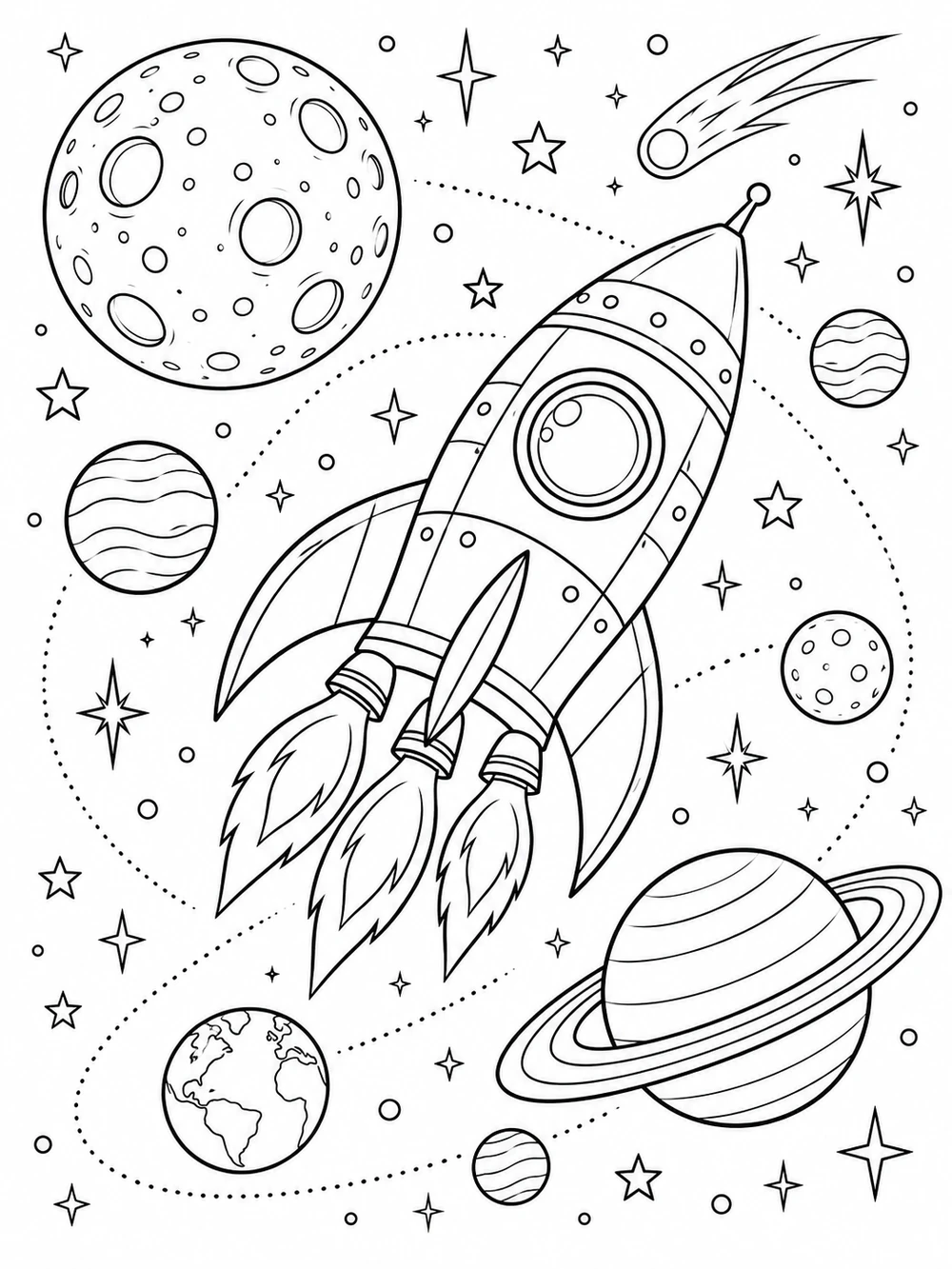
 Dream it.
Give the AI a subject, choose your illustration style, and create a sheet with just the right amount of detail.
An example to spark your imagination.
Your own page will appear here.
A favorite animal, an imaginary place, a lovely little pattern. Describe the page you have in mind.
Choose an illustration style, detail level, and layout. Sign in and let AI draw your black-and-white page.
Check the preview, save a PNG or printable PDF, and reach for the crayons. The colors are all yours.
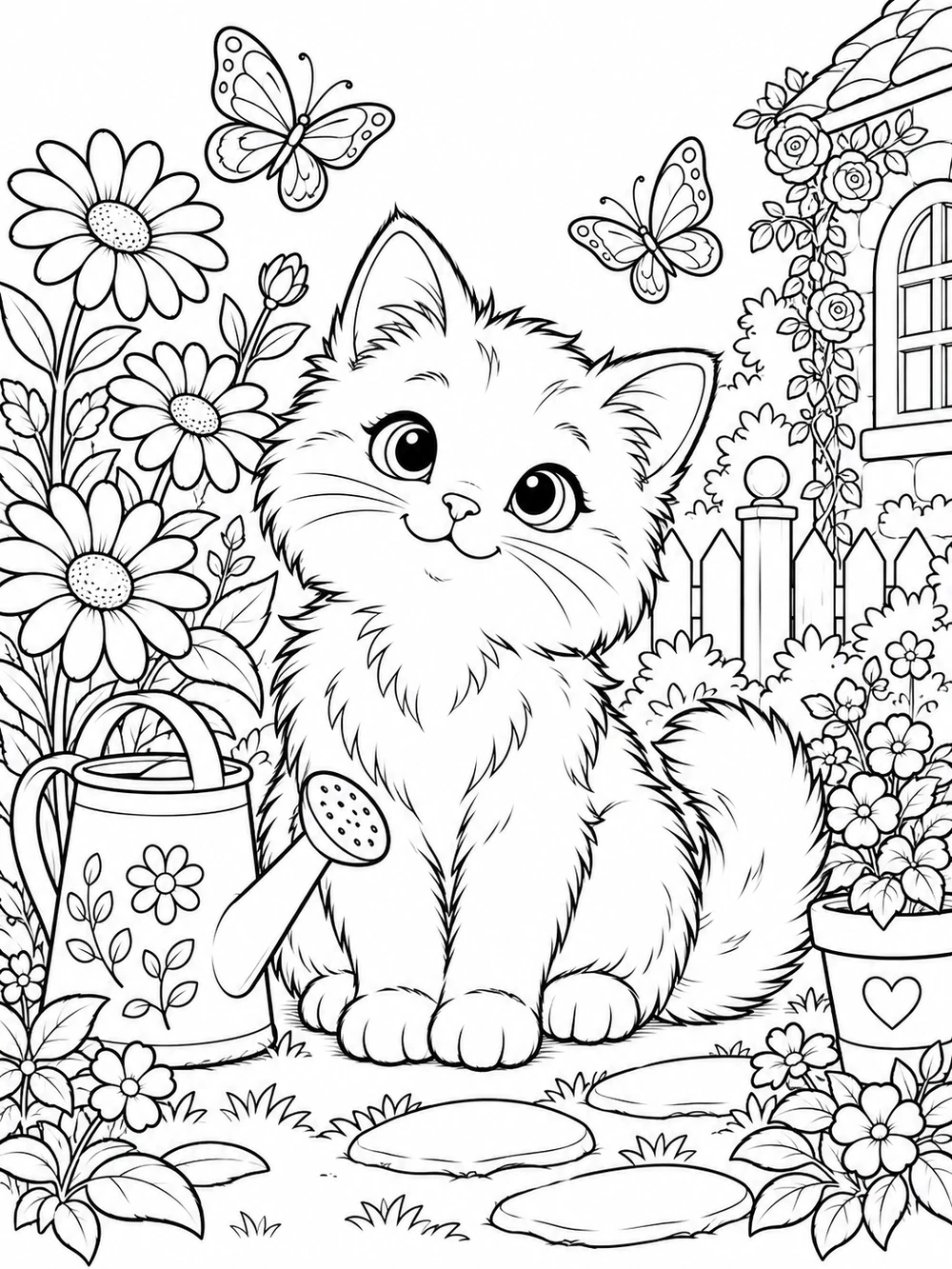
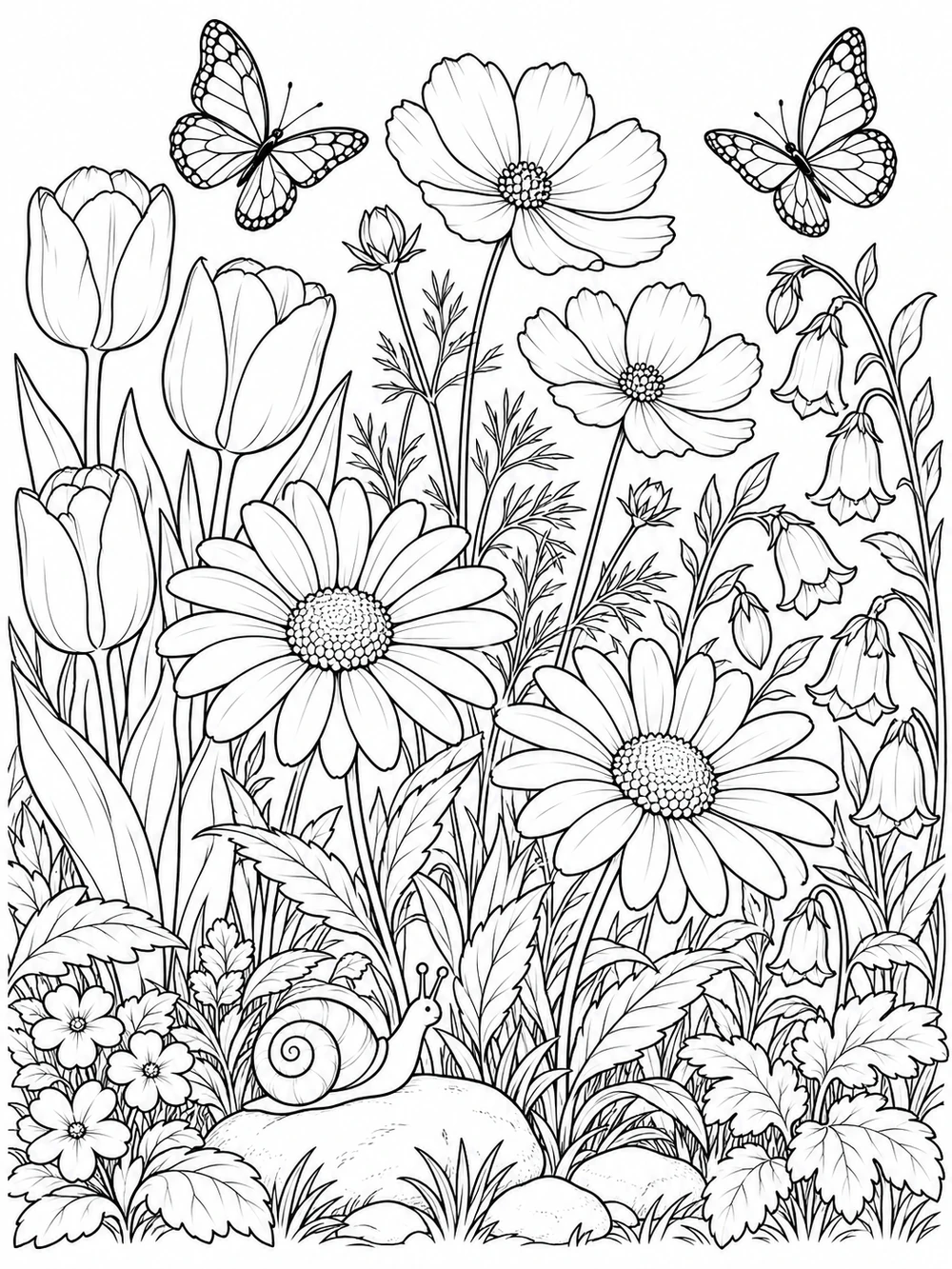
Borrow a little inspiration. Each example fills in a prompt you can make your own.
AI-generated illustration examples. Your results will vary.
 Made by you.
An AI coloring sheet begins with a description rather than a fixed template. Create a matching activity for a story, explore a seasonal theme, or build a relaxing pattern. Change the prompt to try a different scene and choose a detail level that suits the person holding the pencil.
Choose A4 or US Letter, save a coloring sheet as a PDF, and keep the outlines inside your printer margins.
Read the guide ↗02 / CREATEWrite a clear subject and a few useful details to make a custom coloring sheet. Explore animals, space, gardens, and imaginary scenes.
Read the guide ↗03 / CREATEUse large outlines, familiar subjects, and a little white space for a welcoming printable coloring activity.
Read the guide ↗04 / CREATEExplore repeating flowers, geometric shapes, and nature-inspired patterns for a quieter coloring session.
Read the guide ↗Everything you need for a happy little printing session.
Yes. A free account can create up to three successful or pending pages per UTC day, subject to the studio’s shared daily capacity. Downloading a saved page does not use another generation.
Describe what you want to color and choose an illustration style, detail level, and orientation. AI creates an original black-and-white image from those instructions. Review the result, then download it or print a copy.
Yes. Choose A4 or US Letter, then download a PDF with the illustration centered inside white margins. You can also save a PNG or the original WebP image.
Choose Simple detail for bigger shapes and fewer small areas, or Detailed for more intricate patterns. AI may interpret the prompt differently from what you imagined, so check each page before using it.
An account is required to generate and privately save pages. Use a username and a password; no email is needed. Save the recovery code shown after registration. Parents, teachers, and other adults should manage accounts for children’s activities.
This generator currently creates images from text descriptions. Photo uploads and image editing are not part of the tool.
Your generated pages are private to your account and retained for 30 days. Download any page you want to keep longer. Your description is sent to the AI provider to create the image; we do not publish your prompts or pages in a public gallery.
At midnight UTC. Shared studio capacity also resets daily. If generation is paused or capacity is full, you can still browse ideas and download pages already saved to your account.